Why Smart TVs Have Poor Sound (And How to Fix It)
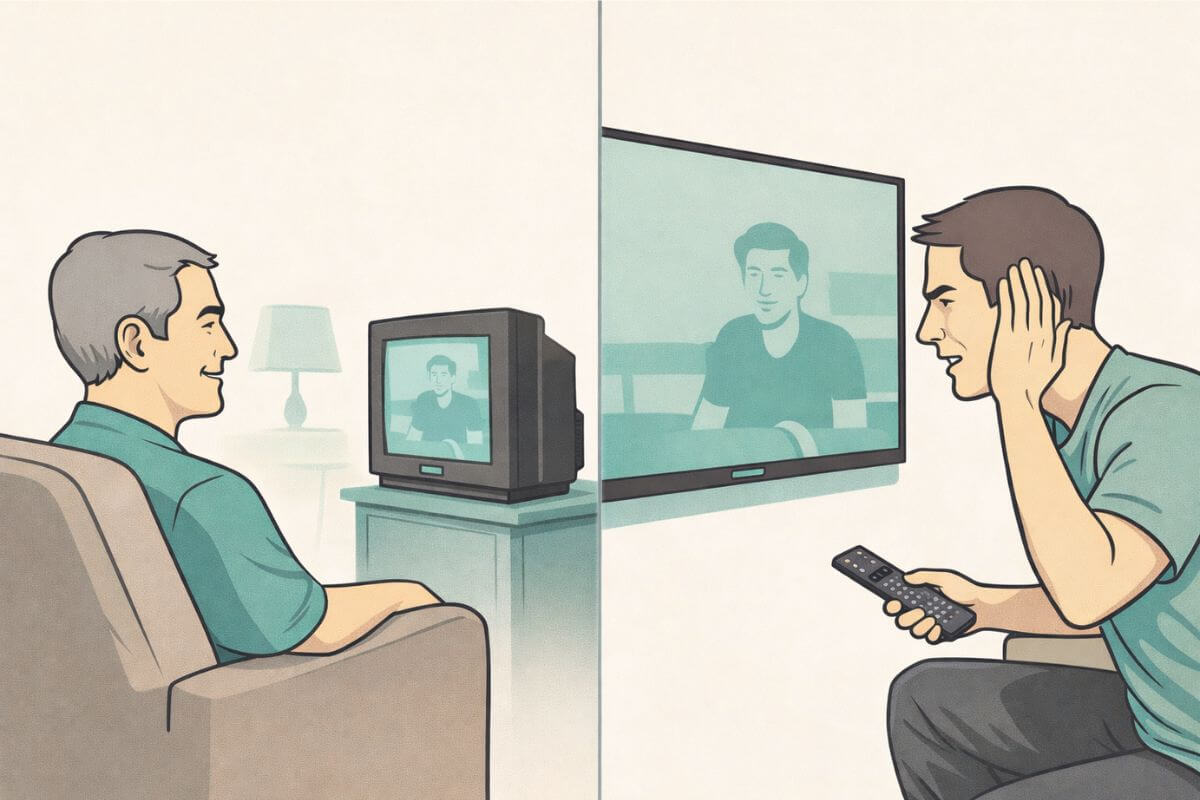
Smart TVs have poor sound because they are built very thin, leaving little space for strong speakers. Most models place small speakers behind or under the screen, which makes voices harder to hear. This is why even new TVs often sound unclear.
When I brought home my new 70-inch flat screen, I expected everything to be better. The picture was huge and sharp. Movies looked amazing. But almost right away, I found myself asking why smart TVs have poor sound?
Voices were harder to hear than I expected. I kept turning the volume up, then back down, trying to make it sound right. The screen felt modern and impressive — but the audio didn’t match.
It turns out this is a very common experience. Many people notice poor sound on smart TVs, even brand-new ones. The problem isn’t your hearing, your settings, or the size of your TV. The real reason has more to do with how smart TV speakers are designed — and what had to change to make TVs so thin.
If this sounds familiar, you’re not alone. Many people end up looking for simple fixes — like using a soundbar or switching to headphones — to make voices clearer. If you’re comparing options, this guide to soundbar vs headphones for TV dialogue can help you decide what works best.
Smart TVs are Designed as Displays First
Modern smart TVs are built to look great on a wall. TV makers focus on making screens thinner, lighter, and easier to mount. That’s what most buyers notice first in a store.
Because of that, today’s TVs are designed mainly as display panels — not as audio systems. The space inside a flat screen is packed with parts that make the picture brighter and sharper. Sound is handled by small built-in TV speakers that have to fit wherever there’s room.
Tech reviewers at CNET have explained that modern TVs prioritize thin design and picture quality, which leaves less room for built-in speakers.
This design shift is a big reason why flat screen TV sound often feels weaker than people expect. When TVs became thinner, something had to give — and audio quality was one of the first things affected.
There’s Physically Less Space for Speakers
One big reason for poor sound on smart TVs is simple: there isn’t much room inside them anymore.
Older TVs were deep and boxy. That extra space allowed for larger speaker parts and better sound chambers. Modern smart TV speakers, on the other hand, have to fit inside a very thin frame. That limits how big they can be and how much sound they can produce.
Smaller speakers move less air. When that happens, sound can feel weaker or flatter — especially voices. This is one of the main reasons built-in TV speakers struggle, even on large or expensive screens.
It’s not that the speakers are broken. They’re just much smaller than what TVs used to use.
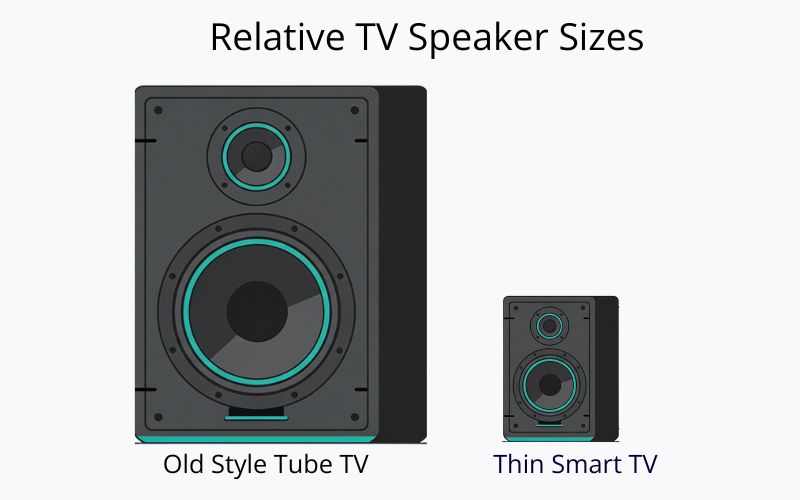
Older TVs also had big, deep cabinets. That extra space made it easier to fit real speakers inside the TV body. Many older sets also had speaker openings on the front or sides, so the sound came straight out into the room. Today’s thin screens don’t have that extra space, so smart TV speakers are usually smaller and packed into a tight frame.
Why Voices are the First Thing to Suffer
When smart TV sound quality falls short, dialogue is usually the first thing people notice.
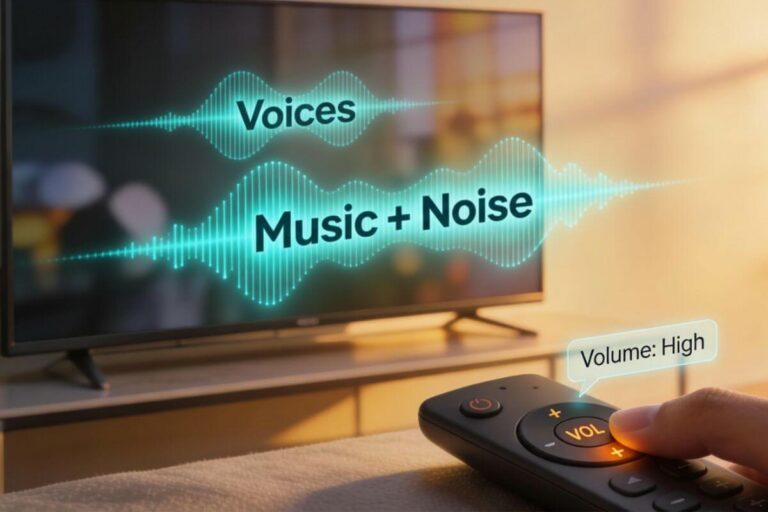
That’s because voices sit in a very specific sound range. Small smart TV speakers have a harder time handling that range clearly. Music and background noise can still come through, but speech often sounds thin, soft, or hard to follow.
This is why many people describe modern TV sound problems as “I can hear the noise, but not the words.” The TV is producing sound — just not the kind that makes voices stand out.
If this sounds familiar, it helps to understand what’s happening before trying to fix it. This is the same issue explained in more detail in our guide to why TV dialogue is often hard to hear.
Built-In TV Speakers are Placed Wherever They Fit
Another reason smart TV sound quality suffers is speaker placement.
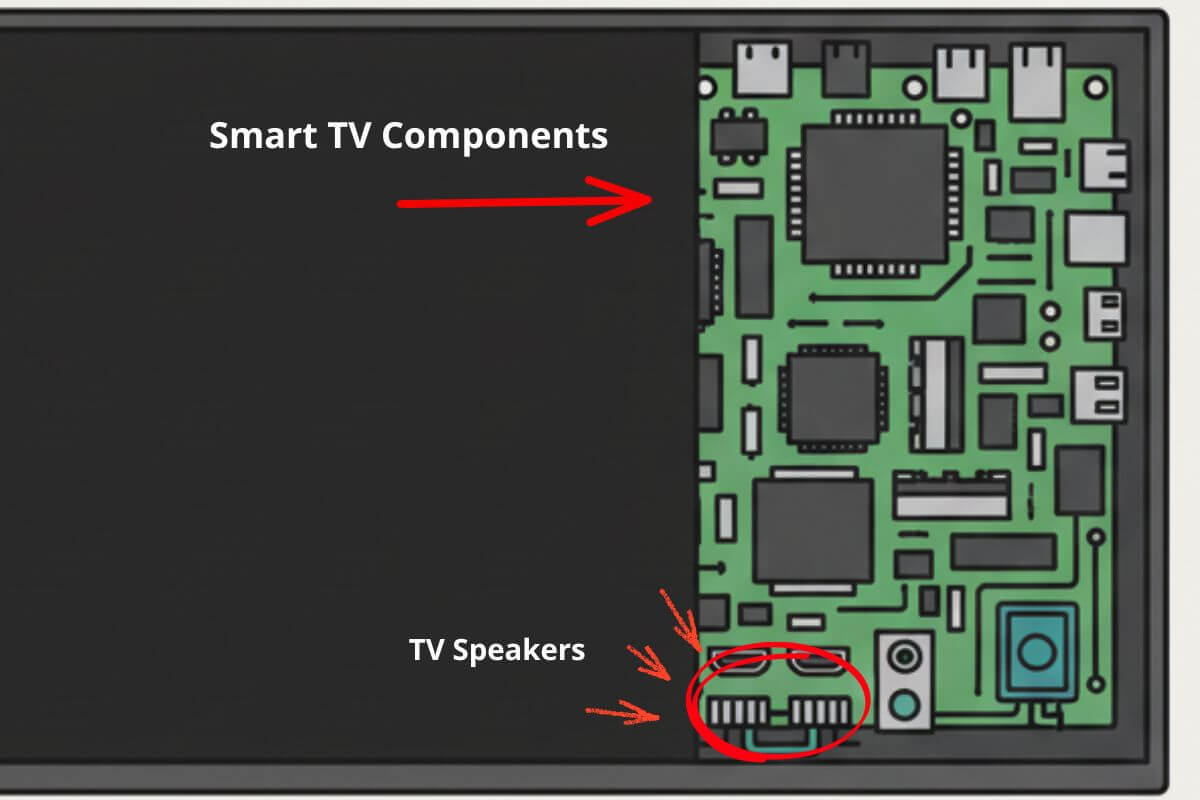
On older TVs, speakers were usually placed on the front of the set. That meant sound came straight out toward the viewer. With today’s thin designs, built-in TV speakers are often pushed to the bottom or back of the TV — wherever there’s space left.
This placement isn’t chosen because it sounds better. It’s chosen because it fits the hardware layout. Screens, processors, and ports take priority. Audio components are added last.
That’s why flat screen TV sound can feel less direct or less clear than expected. The TV is doing the best it can with the space it has.
Older TVs Didn’t Have These Design Limits
Older televisions were built very differently from today’s smart TVs.
They were heavier, deeper, and designed to sit on furniture — not hang on a wall. That extra space allowed for larger built-in TV speakers and simpler internal layouts.
Because of that, sound didn’t have to compete with ultra-thin designs or tightly packed components. Audio wasn’t perfect, but it was easier to hear — especially voices.
This difference helps explain why many people feel that modern TV sound problems didn’t exist the same way years ago. TVs changed. Sound just didn’t change in the same direction.
Knowing how modern TV hardware limits speech clarity makes it easier to understand why external solutions like soundbars or headphones are often needed.
How to Fix Poor Sound on a Smart TV
Your TV’s built-in speakers have real limits — but that doesn’t mean you’re stuck with muffled voices. These four fixes work, and you can try the first one right now without spending a penny.
1. Try Your TV’s Built-In Dialogue Settings First
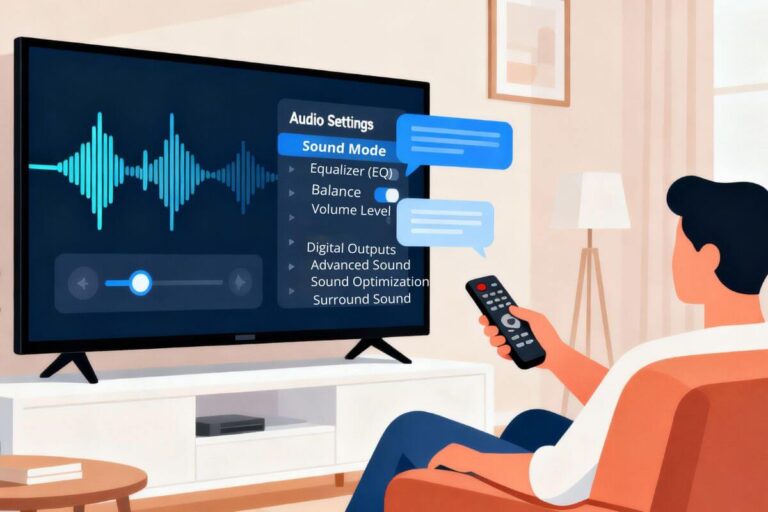
Before you buy anything, spend two minutes in your TV’s audio menu. Most smart TVs made in the last ten years include a hidden setting specifically designed to make voices clearer — it just isn’t turned on by default.
Look for options called Clear Voice, Dialogue Enhancer, Speech Mode, or Voice Boost inside your TV’s Settings, then Audio or Sound. Turn it on, play a few minutes of a show, and listen. Many people are genuinely surprised how much difference this one switch makes.
While you’re in that menu, also turn off any setting called Virtual Surround, Cinema Mode, or Dolby Processing — these modes are designed for movie theaters and often push voices into the background on a home TV.
2. Pull the TV Away From the Wall
This sounds too simple to matter — but it works. When your TV’s speakers fire backward or downward, the sound hits the wall behind the screen and bounces back into the room in a muddy wave that competes with the direct sound.
Even pulling the TV two or three inches forward gives that reflected sound somewhere to go instead of washing back over the dialogue.
If your TV is wall-mounted, this fix won’t apply — but if it sits on a stand, try sliding it forward slightly and watch what happens to voices. It costs nothing and takes thirty seconds to test.
3. Add a Soundbar for Clearer Dialogue
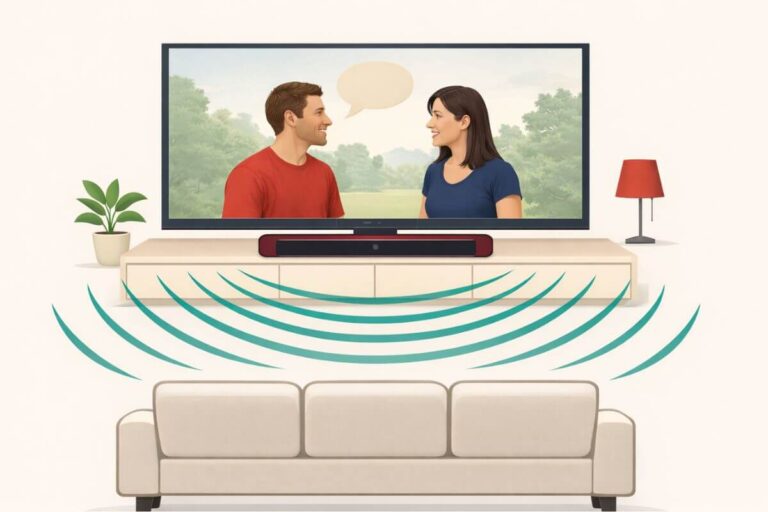
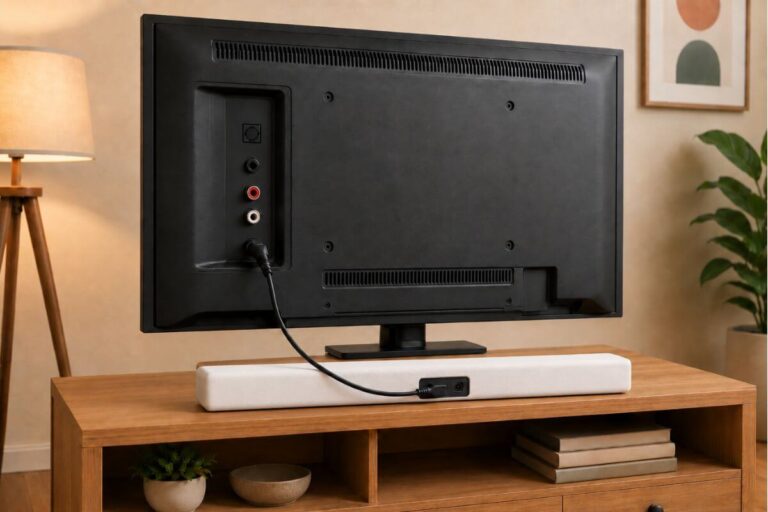
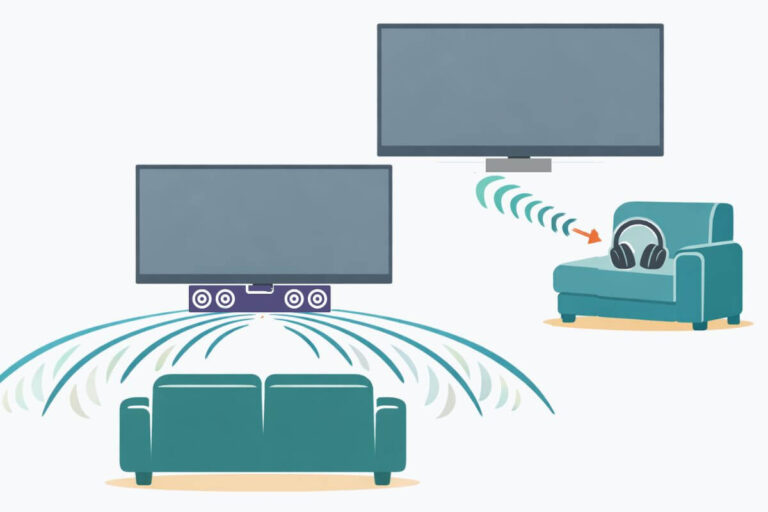
If your TV’s built-in settings help but don’t fully solve the problem, a soundbar is the most effective upgrade you can make. A soundbar sits in front of your TV and fires sound directly toward you — which is exactly what your TV’s tiny rear-facing speakers cannot do.
Many soundbars also include special dialogue enhancement modes that lift voices above background music and effects. You don’t need an expensive one to notice a real difference. If you’re not sure where to start, this guide to the best soundbars for dialogue covers six options at different price points, including one that uses actual hearing aid technology to make speech clearer.
???? If you need help setting one up, follow how to set up a soundbar.
4. Try Wireless TV Headphones
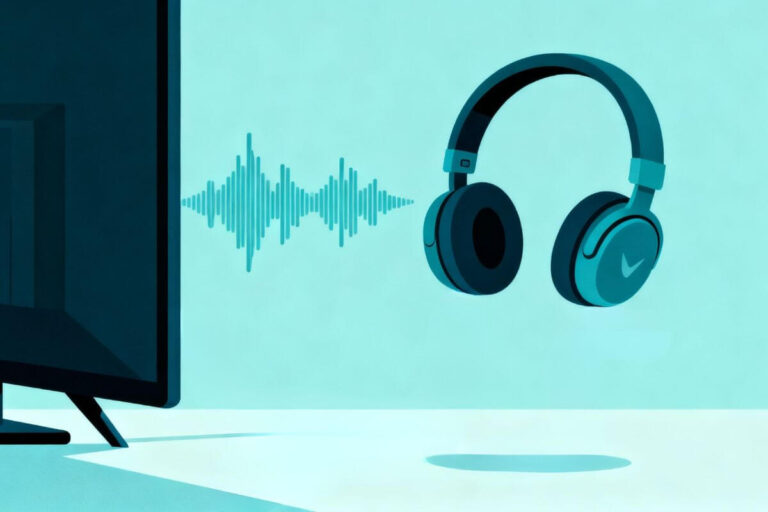
If you watch TV in the evenings when others are sleeping, or if voices are still hard to follow even after trying the fixes above, wireless TV headphones are worth considering.
Unlike regular headphones, wireless TV headphones are designed specifically for television — they deliver speech directly into your ears without any background competition from room noise, air conditioning, or nearby conversations. Many people who try them say it’s the clearest TV dialogue they’ve ever heard.
Not sure whether a soundbar or headphones makes more sense for your situation? This comparison of soundbars vs wireless TV headphones walks through exactly who benefits most from each option.
What This Means for Watching TV Today
Understanding why smart TVs have poor sound helps set realistic expectations.
Most modern TVs are not designed to deliver strong audio on their own. Even when the picture keeps improving, sound is limited by size, placement, and design priorities.
That doesn’t mean you’re stuck with bad sound. It just means the built-in speakers have real limits. If you want a step-by-step walkthrough, you can try these simple ways to improve TV sound.
Wrap Up
If your TV picture looks great but the sound feels thin, muffled, or hard to understand, the problem is usually the TV’s speakers — not your hearing.
Try the built-in sound settings first, but if voices still sound unclear, a dialogue-friendly soundbar is usually the simplest upgrade.